
 ES
 EN
 FR
 IT
 PT
 DE
For dining halls
SynkroBurn
Generate the whole cycle menu in seconds
SynkroMenu, the module for dining halls.
The generator prepares the cycle menu for you; you only review it and publish it.
- It checks allergens and service lines and, if it is a school, the frequencies set by Real Decreto 315/2025.
- If something does not comply, it alerts you. When you approve it, you publish it as a PDF or with a link to share.
- You start from a base of around 4,000 recipes and 20,000 foods.
Try free for 14 days · 1 dining hall and 16 credits · No lock-in


Generating is quick. Reviewing is what takes time
The menu is ready in seconds. What really takes time is checking it can be served; that is what the compliance notice is for.
What it solves in your dining hall
From draft to published menu, without leaving the tool.
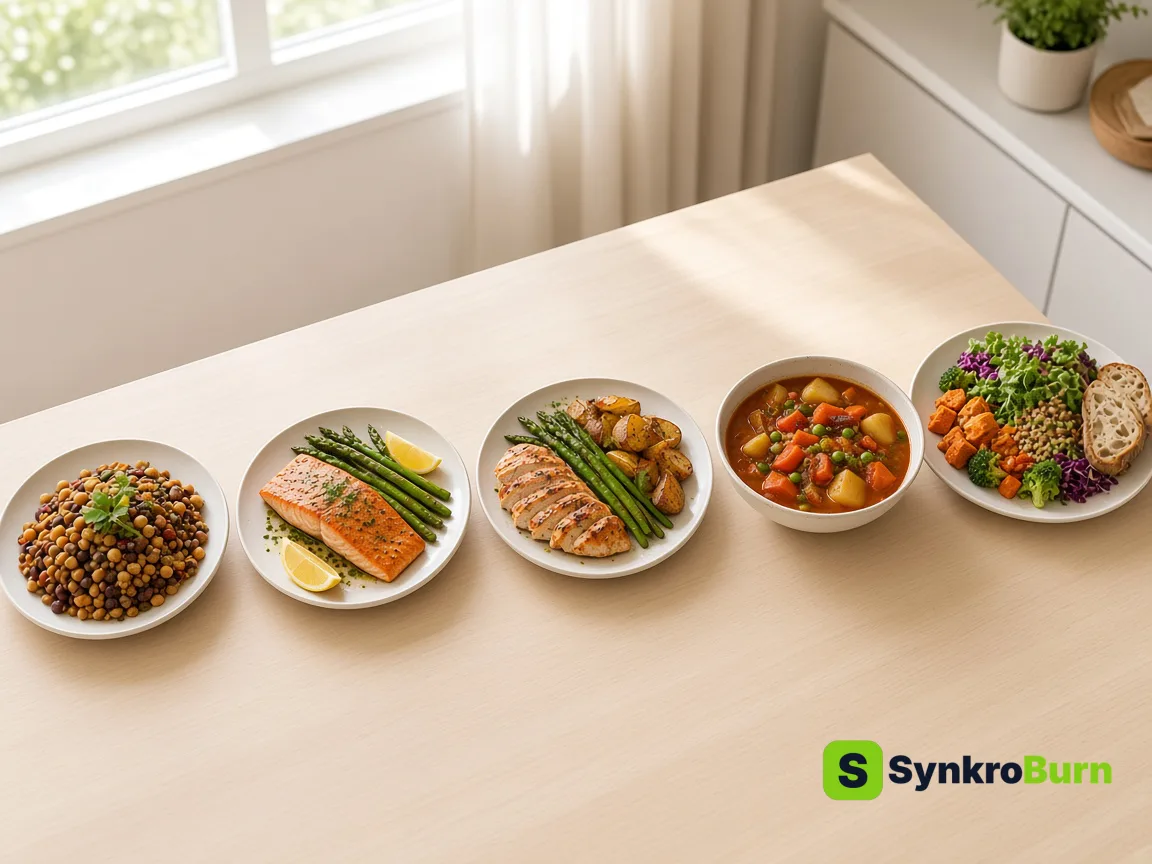
Generator
Build the whole cycle menu in seconds, from your recipes and the catalogue.

Revision
Check the menu can be served before you publish it.
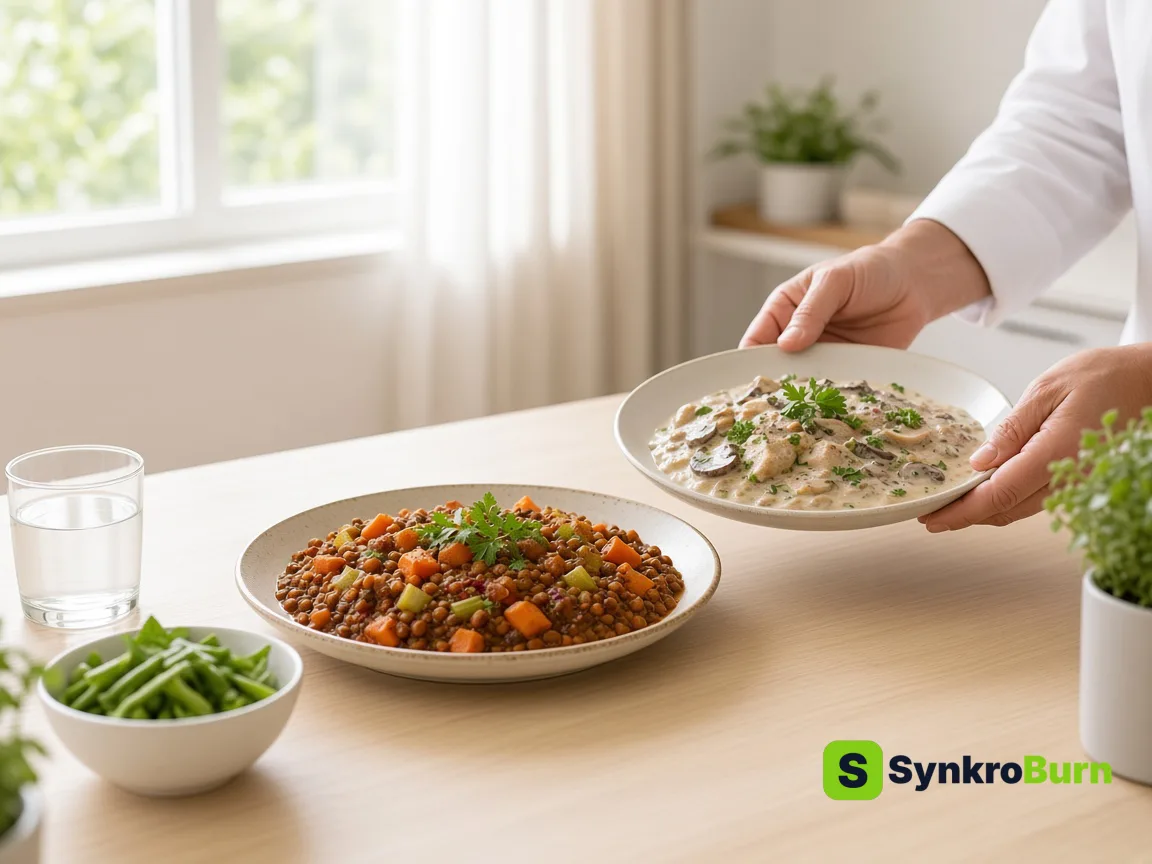
Compliance notice
It flags what does not comply so you can correct it. The final say is always yours.

Publication
Download the PDF or share the link as soon as you approve the menu.
Catalog
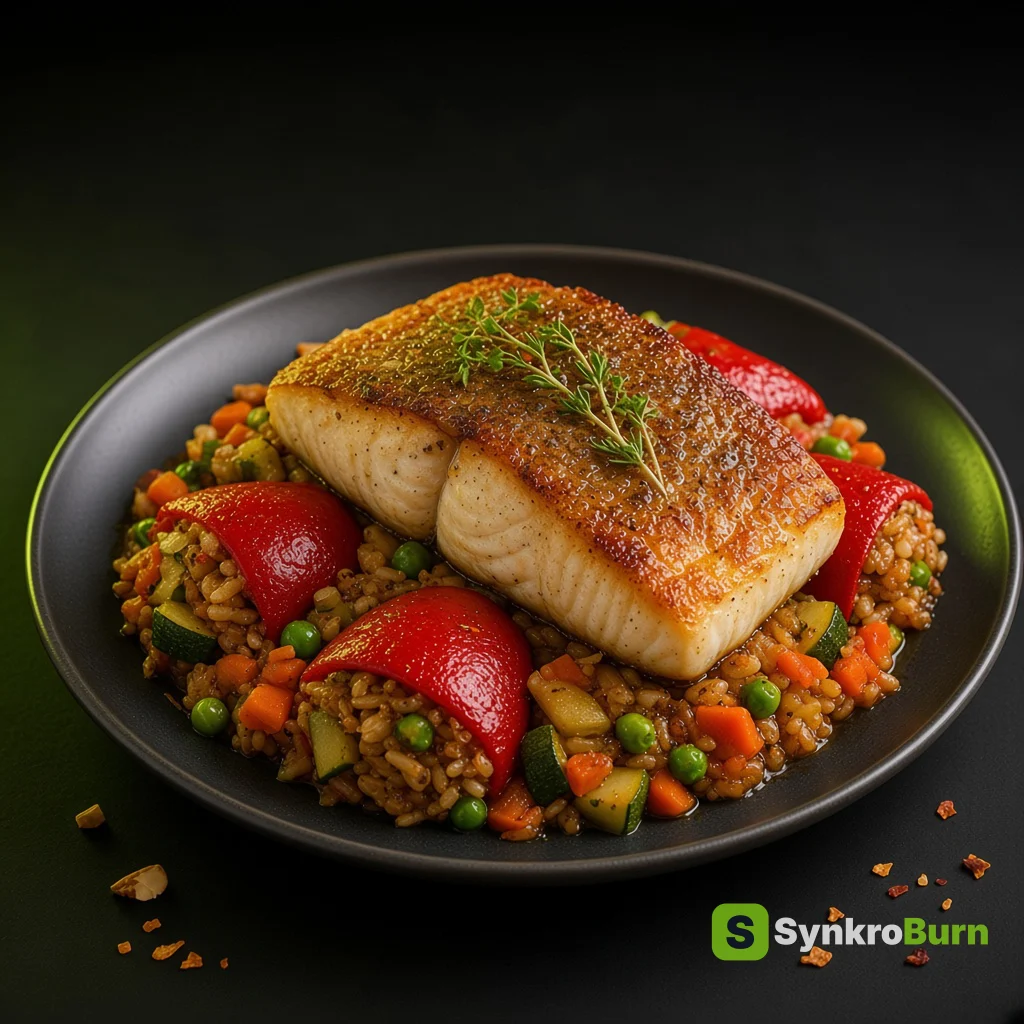
Around 4,000 recipes to build your menus
And around 20,000 foods. They are the same recipes the generator uses.




Publish only once it is approved
Download the PDF or share the link. In the meantime, it stays as a draft and you can tweak it.
Get started in three steps
Choose the plan according to your dining halls.
Generate the cycle menu and review it.
Publish it as a PDF or share it with a link.
Frequently asked questions
- How is the menu created?
- The generator proposes the whole cycle menu from the catalogue recipes. Then you review it and adjust it.
- What does the compliance notice check?
- Allergens and service lines and, in schools, the frequencies in RD 315/2025. The final confirmation is yours.
- When can I publish the menu?
- When you approve it. Until then it is a draft and editing by hand does not spend credits.
- What does the trial include?
- 14 days free with one dining hall and 16 credits. No lock-in.
- What is a credit?
- A credit is one week of menu for one service line. Editing by hand does not spend credits.
Prices
Plans for 1, 2, 4 or 8 dining halls. Each dining hall includes 16 credits a month (1 credit = 1 week of menu for one line).
Swipe to see more →
Tap each plan to see what it includes
Already using SynkroBurn in your practice? Add SynkroMenu from Billing. The Pro plans for Nutrition and Synkro include one dining hall; Enterprise, two.