
 ES
 EN
 FR
 IT
 PT
 DE
How to create and review a canteen menu without losing hours
Generating the menu is quick
A canteen menu is not built dish by dish: it is planned in cycles, with several days and several service lines. And someone always has to check that everything can be served.
The generator leaves the cycle ready in seconds. The real work is reviewing it: allergens, service lines and, if it is a school, the frequencies in Real Decreto 315/2025. If something does not comply, it warns you, and the final say is always yours.
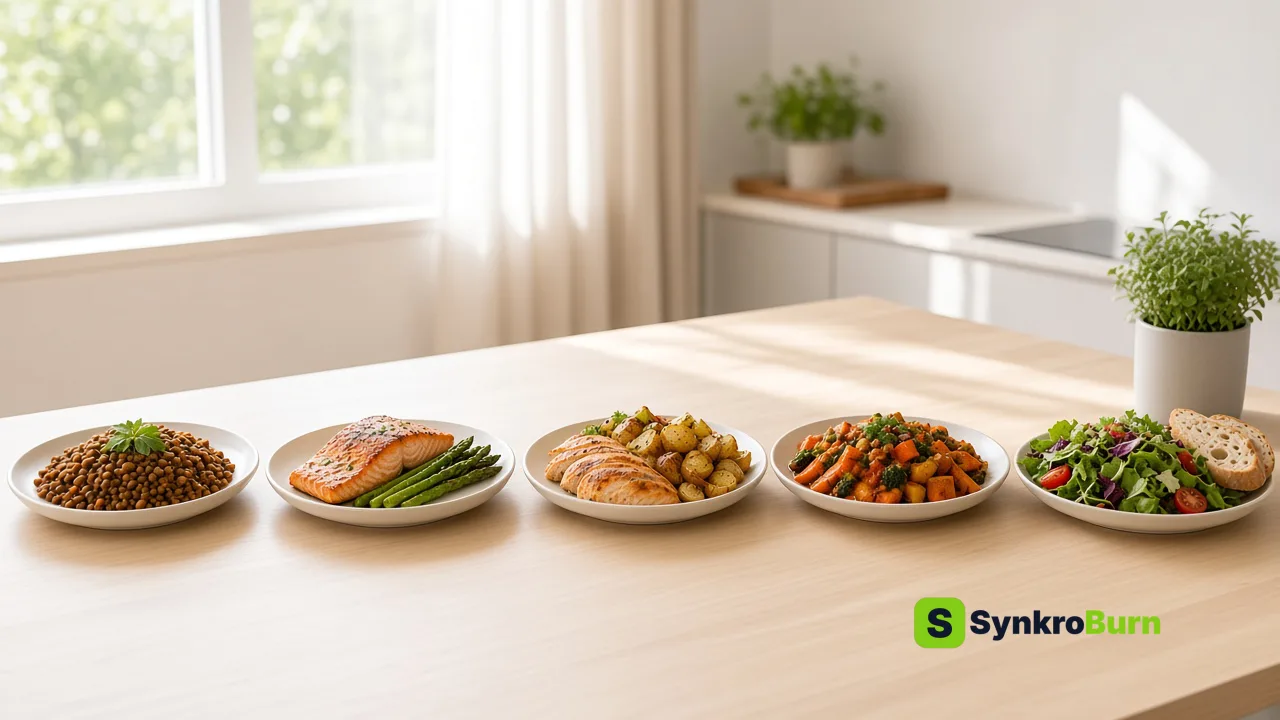
What needs checking
To build it there are about 4,000 recipes and about 20,000 foods. Editing by hand does not use credits. When you approve it, you download the PDF or share the link. Until then it stays a draft.
Which plan you need
If canteens are your work, your plan is SynkroMenu: for 1, 2, 4 or 8 canteens. Each canteen comes with 16 credits a month (one credit is one week of menu for one service line). You can try it free for 14 days with one canteen and 16 credits. The trial is menus only, with no diary and no patient records.
If you already have SynkroBurn for your practice, the Nutrition and Synkro Pro plans include one canteen, and Enterprise includes two. On the other plans it is added separately. And if you are only one canteen short of the next plan, you can add it on its own. Your patients' menus are still made in Nutrition, as always.
You have all the prices on the canteens page.